

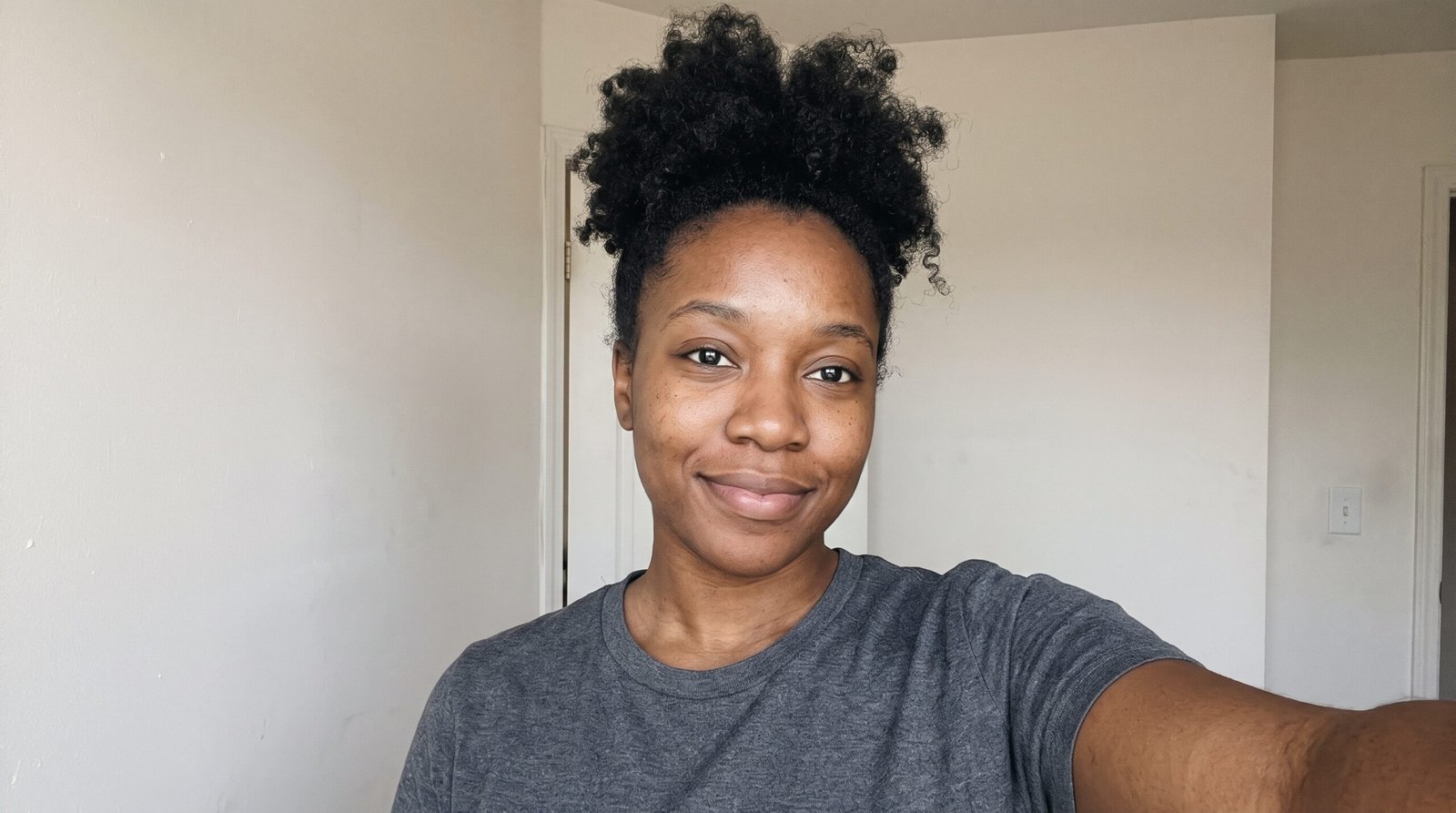
Charcoal Studio LinkedIn Headshot
The uploaded photo is the identity reference — reproduce her face exactly as it appears there, same eyes, nose, lips, jawline, and skin tone, and do not beautify or reshape it. Create a LinkedIn headshot of her against a smooth charcoal studio backdrop, wearing a black blazer over a white top, lit by a large soft studio light from the front. Shoulders-up framing with clear space above her head for the circular crop, a confident, friendly expression, looking into the camera. Photorealistic professional photography, natural skin texture, no text, no watermark.
Copies the prompt, then opens Gemini. Paste it in the chat box and press send.
Expert insight: why this works
Dark backdrops make faces pop in LinkedIn's white interface and read as premium. They suit legal, finance, and executive roles especially well. Expert insight: Dark backgrounds expose flyaway hairs as bright scribbles — zoom into her hairline before uploading. One follow-up edit asking for 'tidy hair edges, same photo' cleans most cases without touching her face.
How to use this prompt
Copy the prompt
Press Use this prompt. It copies the full prompt for you.
Open Gemini
Gemini opens in a new tab, or in the app on your phone.
Paste and send
Paste the prompt in the chat box and press send.
Add your photo
Upload a clear photo of yourself first to match likeness.