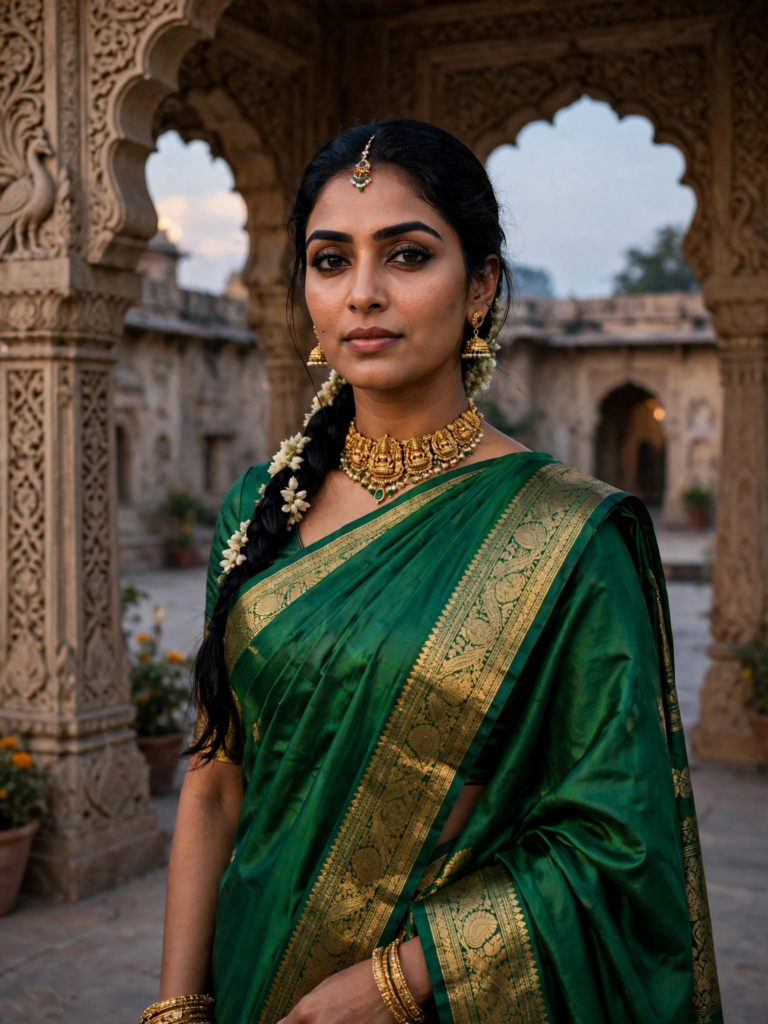
✦ Warm Sunset Light

Golden Hour AI Portraits

Golden hour - the soft, warm light just before sunset - is the most flattering light there is. These prompts recreate that glow around your own photo: warm skin tones, gentle shadows and a dreamy background, while keeping your face exactly yours. Pick a look, paste the prompt into Gemini with your selfie, and get a portrait that looks shot at sunset, even if your photo was taken at noon indoors.

Sunset Wheat Field Portrait Lavender Satin Gown Garden Evening Portrait Autumn Park Golden Hour Knit Portrait Golden Hour Beach Maxi Dress Portrait
4 prompts Tested in Gemini Updated Nov 2026

Written by Founder and Editor, LadyPrompts

Reviewed by LadyPrompts Editorial TeamPrompt review and quality check

  • Updated
  • 4 prompts
  • Tested before publishing
Introduction

What are golden hour AI portrait prompts?

Golden hour prompts turn a normal, clear selfie into a portrait with the warm, low light photographers usually get just after sunrise or just before sunset. The prompt changes the outfit, place, pose and lighting while repeating one rule: your face, skin tone and age stay the same.

This page collects four ready-to-copy looks: a sunset wheat field, a lavender garden at dusk, an autumn park and a beach in a flowing maxi dress. Start with the scene you like, then use the builder or edit the outfit and setting words to make it your own.

  1. Choose one of the four Golden Hour prompts.
  2. Copy the full prompt text.
  3. Open Gemini and upload a clear, front-facing selfie.
  4. Paste the prompt and generate your portrait.
  5. If the face changes, retry with a sharper, unfiltered photo.

Quick tips

  • Camera: Specify 85mm portrait lens for natural skin depth.
  • Lighting: Use golden hour or soft rim light for glowing portraits.
  • Face match: Always include "keep my face and skin tone unchanged".

How we tested

  • Collection checked | All four published Golden Hour prompts were reviewed before this guide was completed.
  • Face wording checked | Every prompt tells Gemini to keep the same eyes, nose, lips, jawline, skin tone and age.
  • Scene details checked | Every prompt names the outfit, setting, pose, lighting and 3:4 vertical portrait format.
  • Tool checked | All four prompts in this collection are assigned to Gemini.
How we checked these prompts How we tested
  • 4 prompts reviewedGeminiFace wording checkedScene details checkedClear selfie recommended
How we testedClose
Collection checked

All four published Golden Hour prompts were reviewed before this guide was completed.

Face wording checked

Every prompt tells Gemini to keep the same eyes, nose, lips, jawline, skin tone and age.

Scene details checked

Every prompt names the outfit, setting, pose, lighting and 3:4 vertical portrait format.

Tool checked

All four prompts in this collection are assigned to Gemini.

Limit stated clearly

The guide recommends a clear, unfiltered selfie because the starting photo affects the result.

Copy-paste prompts

4 prompts

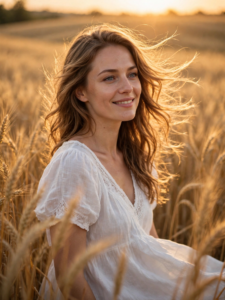
Transform the uploaded photo into a golden sunset portrait: she wears a white dress, standing in a golden wheat field at sunset with warm golden light and wind moving her hair, wheat softly blurred at the edges. Serene happy expression, 3:4 vertical portrait. Keep her face exactly as in the uploaded photo — same eyes, nose, lips, jawline, skin tone and age. Do not beautify, smooth or reshape the face. Change only the outfit and the setting described above.

✦ Expert insight

Golden hour is the most flattering light in portrait prompts, and wheat fields are its perfect partner — gold on gold. A white dress keeps the subject bright against the golden field. Wind in the hair adds movement and life to an otherwise still scene.

Use in Gemini

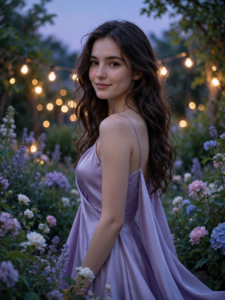
Turn the uploaded photo into a dreamy garden-evening portrait: she wears a flowing lavender satin gown with thin straps, standing among blooming garden flowers at dusk with soft string lights glowing behind her. Cool lavender evening light mixed with warm string-light glow, elegant over-the-shoulder pose, gentle smile, 3:4 vertical portrait. Keep her face exactly as in the uploaded photo — same eyes, nose, lips, jawline, skin tone and age. Do not beautify, smooth or reshape the face. Change only the outfit and the setting described above.

✦ Expert insight

Two light sources (cool dusk light plus warm string lights) sound risky, but naming both explicitly is what makes them work — the model blends them instead of picking one at random. Satin is a texture word models render well, and "flowing" tells the model how the fabric should move. The over-the-shoulder pose keeps the gown visible while keeping the face front and centre.

Use in Gemini

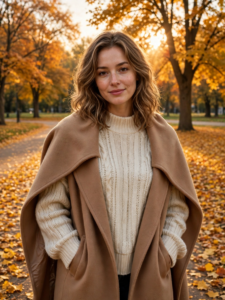
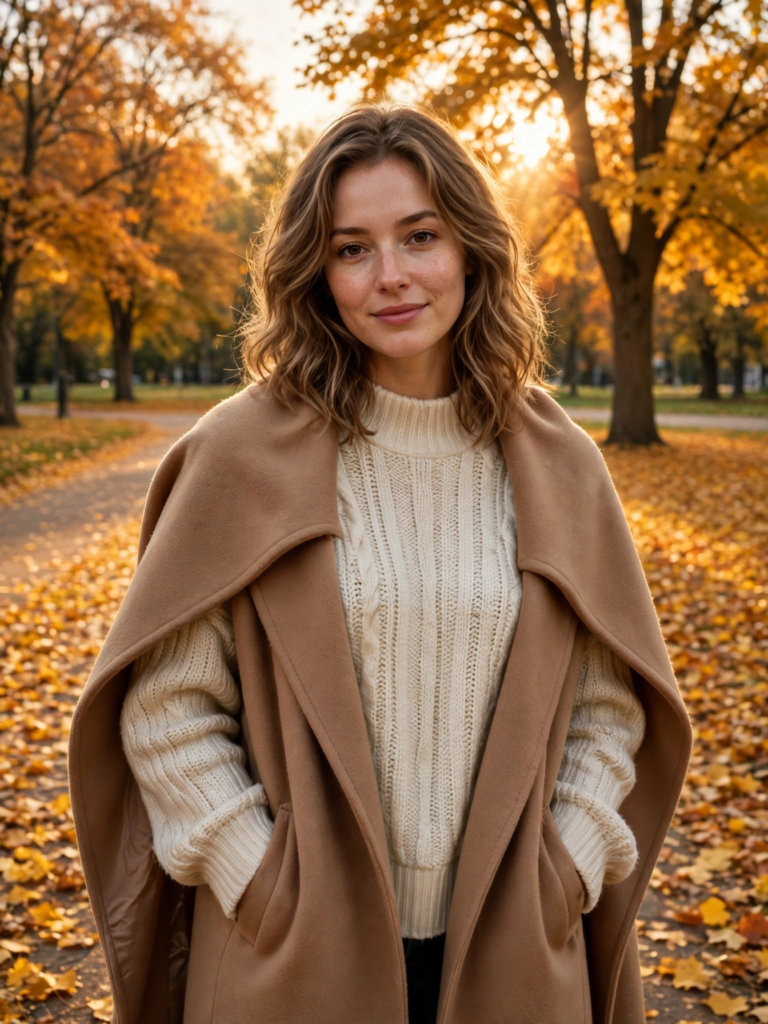
Turn the uploaded photo into an autumn golden-hour portrait: she wears a cosy cream knitted sweater and a camel coat draped over her shoulders, standing on a park path covered with golden fallen leaves, tall trees with amber foliage behind her. Low warm sunlight filtering through the trees, soft smile, hands in coat pockets, 3:4 vertical portrait. Keep her face exactly as in the uploaded photo — same eyes, nose, lips, jawline, skin tone and age. Do not beautify, smooth or reshape the face. Change only the outfit and the setting described above.

✦ Expert insight

Seasonal prompts succeed on texture words — "knitted", "fallen leaves", "amber foliage" — because texture is something image models render well, unlike abstract words like "autumn vibes". Hands in pockets is a small but useful detail: it solves the common problem of awkward AI-generated hands by giving them a natural place to be. Dappled light through trees is named explicitly so the model renders light and shade rather than flat brightness.

Use in Gemini

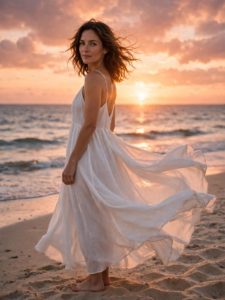
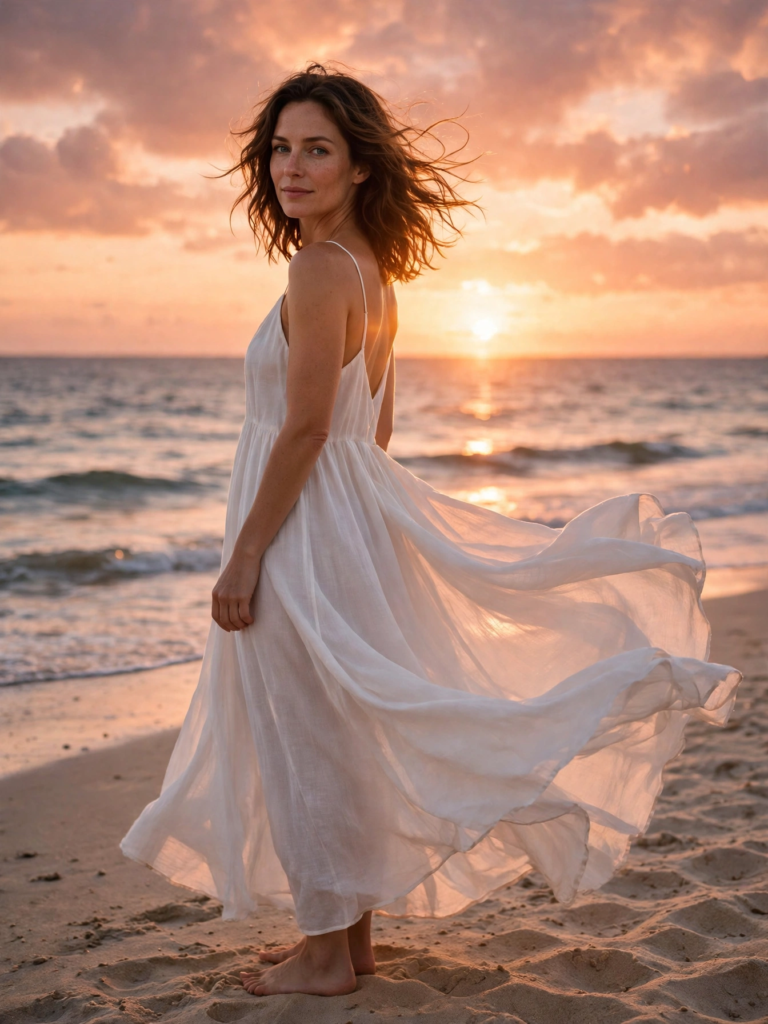
Restyle the uploaded photo into a golden-hour beach portrait: she wears a flowing white maxi dress with thin straps, standing barefoot on soft sand with gentle waves and a low sun behind her. Warm orange-pink sky, sea breeze moving the dress hem, relaxed over-the-shoulder glance at the camera, 3:4 vertical portrait. Keep her face exactly as in the uploaded photo — same eyes, nose, lips, jawline, skin tone and age. Do not beautify, smooth or reshape the face. Change only the outfit and the setting described above.

✦ Expert insight

Beach prompts often go wrong on the sky, so this one names the exact sky colours (orange-pink) and the sun's position (low, behind her) instead of just saying "sunset". The over-the-shoulder glance is a strong pose choice because it keeps the face large in the frame while still showing the beach. Backlighting like this can darken faces, so the keep-list matters even more here — it tells the model the face is not negotiable.

Use in Gemini

Build your own golden hour prompt

Step 1 of 4

Press Enter for next
Your prompt is assembling

Transform the uploaded photo into a golden hour portrait of the same woman wearing a flowing white maxi dress, standing in a wheat field at sunset, with a gentle smile and a relaxed over-the-shoulder glance, warm golden-hour light, soft background blur, natural skin texture, 3:4 vertical portrait. Keep her face exactly as in the uploaded photo: same eyes, nose, lips, jawline, skin tone and age. Do not beautify, smooth or reshape the face. Change only the outfit, pose and setting described here.

What is golden hour, and why does everyone want photos in it?

Golden hour is the short window just after sunrise and just before sunset, when the sun sits low and the light turns warm, soft and golden. Photographers plan whole shoots around it because this light flatters everyone: it smooths skin, adds a natural glow, deepens colours and wraps the subject in warm tones that midday light never gives. The problem is timing. Golden hour lasts minutes, the weather has to agree, and most of us are not standing in a scenic spot with a camera when it happens. That is exactly the gap these AI prompts close.

How golden hour prompts work

Every prompt in this collection is written to do two jobs at once. First, it protects your face: the opening lines instruct the AI to keep your exact facial features, skin tone and age from the photo you upload. Second, it rebuilds everything around you - the light direction, the warm colour grade, the soft background blur and the gentle rim light on your hair - so the result reads as a real sunset portrait. You do not need a photo that was taken at golden hour. A clear indoor selfie works, because the AI is not filtering your photo; it is re-lighting the scene.

How to use these prompts

Choose a prompt below and copy the full text. Open Gemini, start a new chat and upload a clear, front-facing selfie. Paste the prompt and generate - the first try is usually the keeper. If the glow looks too strong, add the words "soft, subtle golden light" to the prompt. If your face drifts, switch to a sharper, unfiltered selfie: face accuracy depends on photo quality more than on the prompt.

What to wear in a golden hour portrait

Warm light loves warm colours: marigold, rust, deep pink, emerald and gold embroidery all glow at sunset, which is why saree and festive looks dominate this collection. Editorial and casual looks work too - a simple outfit with warm light still looks expensive.

A note on honesty

These prompts recreate the look of golden hour; they are not a substitute for a real sunset shoot, and results vary with your photo. But for profile pictures, festive posts and portraits you would otherwise never get, they are the fastest route to that light.
Golden Hour FAQs

Do I need a photo taken at sunset?

No. Any clear, front-facing selfie works. The prompt rebuilds the lighting, so an indoor photo is fine.

Will the result still look like me?

Yes - every prompt here opens with face-preservation instructions that keep your features, skin tone and age. Use an unfiltered selfie for the closest match.

Which tool should I use?

These prompts are written and checked for Gemini first. Most also work in ChatGPT and other image tools, but Gemini gives the closest result to the previews.

More prompt styles

About this guide

Founder and Editor, LadyPrompts

Daniyal Khatri is the founder and editor of LadyPrompts, a library of copy-and-paste AI portrait prompts for women. The site focuses on clear instructions, natural-looking results and prompts that keep the user's face, skin tone and age unchanged.

Reviewed by LadyPrompts Editorial Team, Prompt review and quality check

Last updated November 3, 2026

Editorial standards

  • Every prompt must tell the AI to keep the user's face, skin tone and age unchanged.
  • Every prompt must name the outfit, setting, pose, lighting and portrait format clearly.
  • Preview images must match the outfit and scene described in the prompt.
  • Instructions must explain what photo to upload and which details can be changed.
  • Pages must state honestly that AI results vary with the starting photo and the tool used.

Found a mistake or have a suggestion? Contact us

Prompt copied!